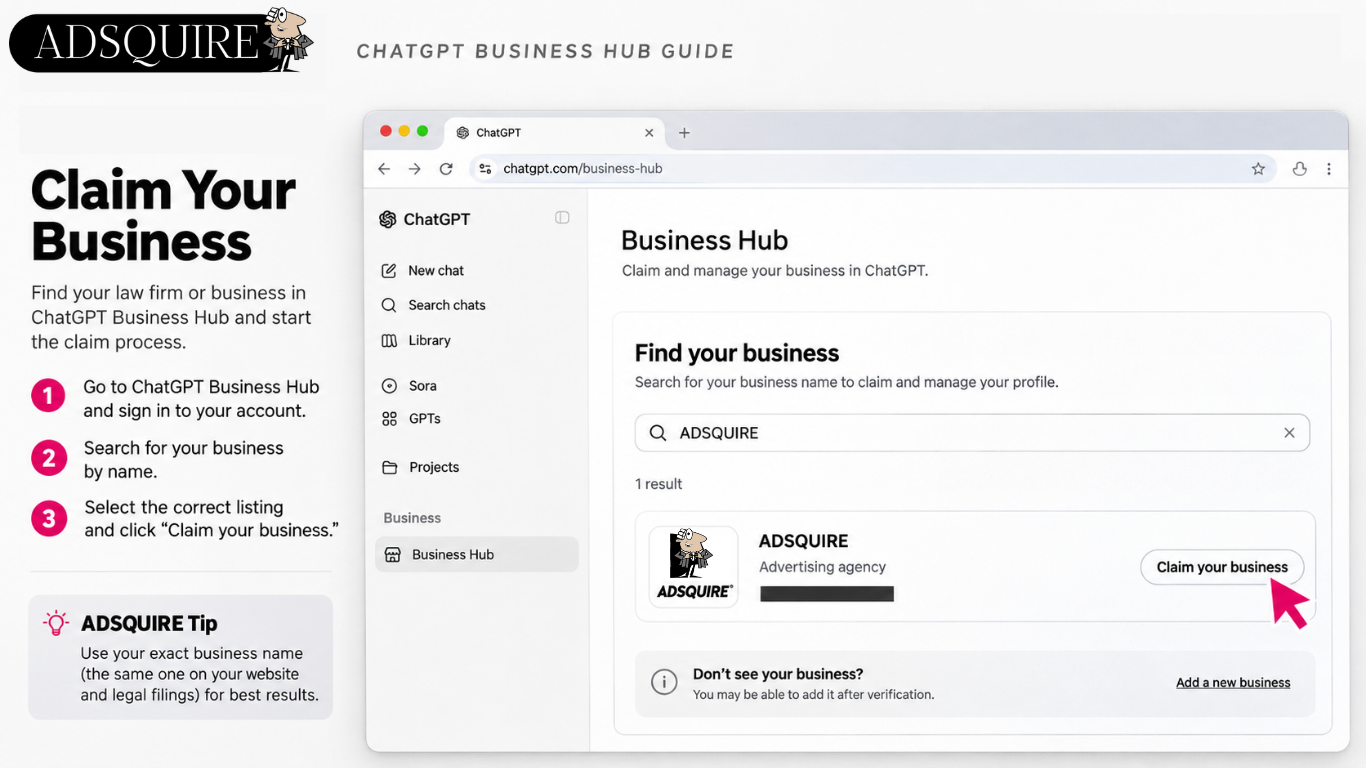
The ADSQUIRE Guide to Claiming, Verifying & Optimizing Your Business in ChatGPT
What Is ChatGPT Business Hub?
ChatGPT Business Hub is a new platform from OpenAI that allows eligible businesses to claim their business profiles, verify ownership, update company information, and monitor how people engage with their business in ChatGPT.
For law firms, this creates an opportunity to provide accurate information about their services, practice areas, and business identity as more consumers use AI to research legal representation.
Step 1: Access ChatGPT Business Hub
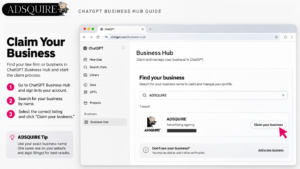
- Visit https://openai.com/business/businesses-in-chatgpt/
- Click Claim your business.
- Sign in to your ChatGPT account.
- Open Business Hub and search for your law firm or business name.
- Select the correct business listing. If your business is eligible but not listed, you may be offered an option to add it.
Step 2: Verify Business Ownership
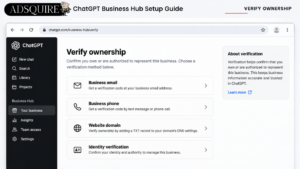
Choose one of the verification options available for your business:
- Business email: Receive a verification code at your business email address.
- Business phone: Receive a code by text message or automated phone call.
- Website domain: Add the provided TXT record to your website’s DNS settings.
- Shopify: Connect your store, if applicable.
OpenAI reviews business claims before approving them.
Step 3: Complete Identity Verification
Once your claim is approved, complete the additional identity verification through Persona.
You may need to provide identification, business registration information, or evidence that you’re authorized to represent the company.
After approval, a blue verification check appears on your ChatGPT business profile.
Step 4: Optimize Your Business Profile
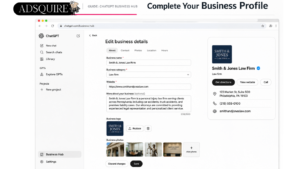
Once verified, complete the available profile fields.
Business name: Use your official law firm or company name.
Business category: Select the most accurate available category, such as Law Firm for a legal practice.
Website: Enter your official website URL.
Business description: Explain what your company does, who it serves, and what differentiates it.
Logo and photos: Upload accurate, professional business imagery.
Contact information: Keep your address, phone number, and other available business details current.
ADSQUIRE Tip: For law firms, prioritize factual information about practice areas, geographic service areas, attorney qualifications, and independently verifiable accomplishments. Avoid exaggerated or unsupported claims.
Step 5: Explore Business Insights
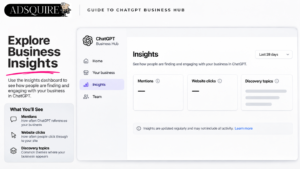
Once available, Business Hub’s Insights dashboard provides aggregated reporting on:
- Mentions: How frequently ChatGPT references your business or website under the applicable reporting rules.
- Website clicks: How often users click through to your website.
- Discovery topics: Common themes in ChatGPT answers where your business is mentioned or cited.
Reporting covers a rolling 28-day period and is subject to privacy thresholds. Businesses cannot see individual customer prompts or private conversations.
ADSQUIRE Tip: Monitor changes over time and compare available insights with website analytics, conversion tracking, and lead attribution. Business Hub metrics should not be treated as a complete measure of AI visibility or lead generation.
Step 6: Give Your Marketing Agency Access
Business Hub supports teammate invitations and agency access.
If ADSQUIRE manages your law firm’s digital advertising, your business administrator can grant appropriate agency permissions without sharing personal login credentials.
Some account and workspace restrictions may apply.
Step 7: Explore Business Agents
Eligible U.S. ecommerce and online service businesses may also be able to create a Business Agent.
These agents allow consumers to ask questions about a business using information provided by that business.
Business Agent eligibility is separate from business profile eligibility. Not every verified business can create one.
Does Verification Improve ChatGPT Rankings?
Verification does not guarantee higher placement in ChatGPT answers or recommendations.
Claiming your business allows you to supply accurate information and manage your profile. ChatGPT continues to generate independent answers and recommendations.
However, maintaining complete, accurate, and current business information is a sensible part of a broader AI visibility strategy.
ADSQUIRE’s Final Recommendation
Law firms should claim and verify their eligible ChatGPT business profiles, complete all relevant fields, and begin monitoring available performance data.
As AI becomes another channel through which consumers research attorneys, maintaining accurate business information across these platforms is increasingly important.