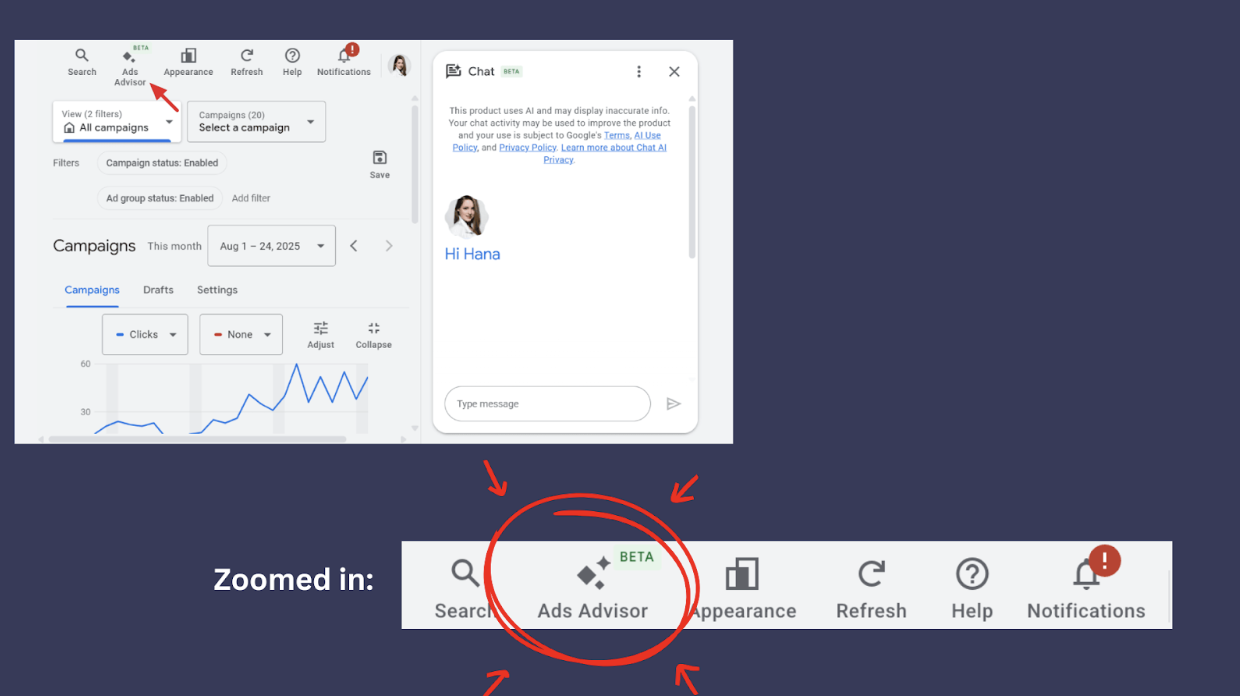
Google is rolling out (or expanding visibility of) Ads Advisor, a feature positioned as a one-stop assistant for campaign setup, optimization, and decision-making inside Google Ads.
On paper, it sounds useful. In practice, it raises familiar questions about control, automation, and who’s really steering the account.
How Google Frames Ads Advisor
According to Google, Ads Advisor is designed to help advertisers:
- Build new ad assets, including copy and images
- Launch campaigns using Google’s recommended best practices
- Monitor performance and report on key metrics
- Receive tailored insights and optimization suggestions
- Choose bidding strategies aligned with stated goals
At a glance, this reads like an efficiency upgrade for fewer steps, more guidance, faster launches.
What’s Actually Happening Under The Hood
Ads Advisor isn’t introducing new capabilities. It’s bundling existing automation and recommendations into a more guided, prescriptive workflow.
Instead of advertisers deciding how to structure campaigns, write ad copy, or select bidding strategies, Google increasingly frames these decisions as defaults with Ads Advisor acting as the “safe” path forward.
That doesn’t make it inherently bad, but it does change the balance of control.
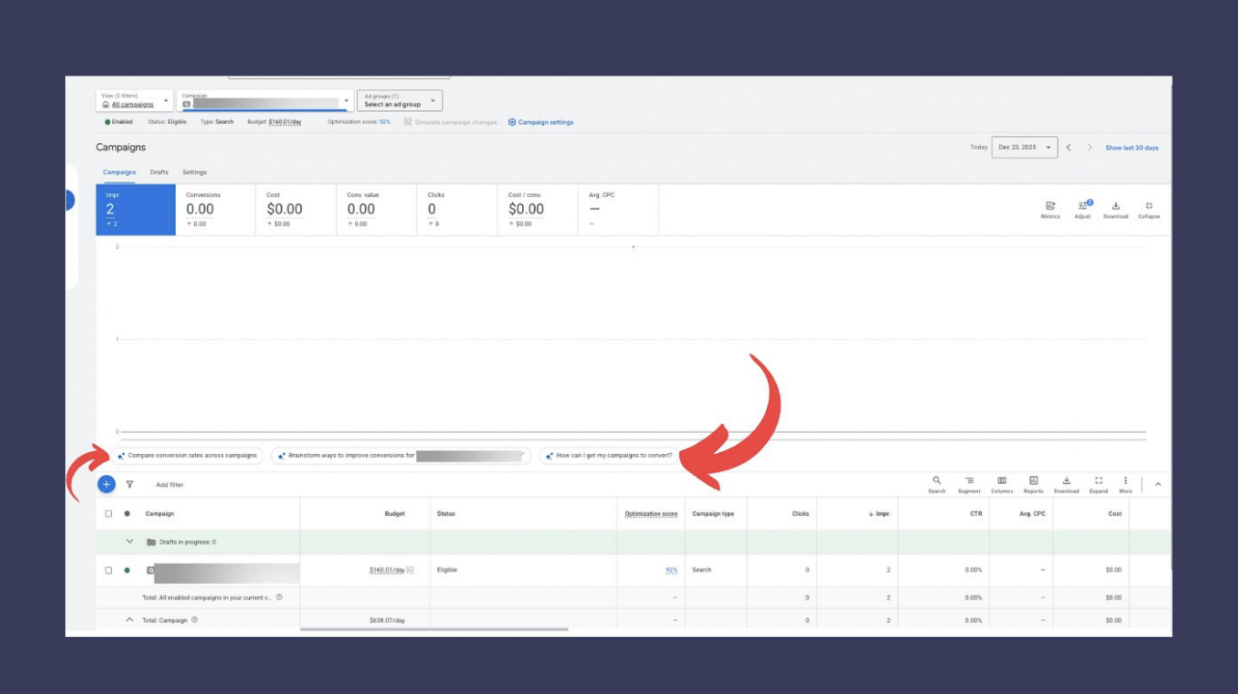
Ads Advisor Is Now Moving Into Reporting
The latest expansion pushes Ads Advisor beyond setup and optimization and into ad-level reporting.
Within reporting views, Ads Advisor now surfaces explanations, performance interpretations, and suggested next steps tied directly to ad performance. Rather than just showing what changed, Google increasingly tells you why it thinks performance shifted and what it recommends doing about it.
This reframes reporting from analysis to guidance. Instead of advertisers forming their own conclusions from the data, Ads Advisor increasingly acts as an interpreter, nudging users toward automated fixes like asset variation, broader targeting, or bid strategy changes.
This can be helpful, but it also narrows the path toward Google’s preferred solutions.
Why Advertisers May Want To Be Cautious
- Less customization by default.
Following Advisor recommendations often means accepting broader targeting, automated bidding, and dynamically generated assets — whether or not they align with your actual strategy. - Optimization toward Google’s goals.
Google’s “best practices” are typically designed to increase volume and system learning, not necessarily efficiency, lead quality, or cost control. - Harder to diagnose performance issues.
As more decisions are automated, it becomes more difficult to pinpoint why performance changes or what lever actually caused it.
Which Advertisers May Want To Lean On Ads Advisors
- New advertisers launching their first campaigns
- Small teams without dedicated Ads management resources
- Accounts prioritizing speed and simplicity over precision
For these users, Ads Advisor can reduce friction and get campaigns live quickly.
Which Advertisers Should Think Twice
Advertisers in competitive or regulated industries, especially legal, healthcare, and high-cost local services, often need tighter controls than Advisor naturally encourages.
When margins are thin and lead quality matters, blind automation can create more problems than it solves.
Bottom Line
Google Ads Advisor isn’t broken and it’s not malicious, but it is part of a broader trend: Google steadily guiding advertisers toward more automated, Google-controlled decision-making.
Used selectively, it can save time. Used blindly, it can quietly reshape your campaigns in ways you didn’t intend.
As with most new Google Ads features, the real value comes from understanding what to accept, what to ignore, and when to step in manually – not from handing over the keys entirely.